How it works
From photo or document to a clean, checked copy in a few steps. Everything happens on your device.
- 1
Add a photo or document
Use Snap & Share, scan paper, or choose a photo, PDF or file from your device.
- 2
Review what was found
Faces, possible plates, names, numbers and hidden details are listed. Untick anything you want to keep, or draw your own boxes.
- 3
Choose how to cover it
Box, blur, pixelation, a face mask or a sticker. Preview the result, and edit it if you need to.
- 4
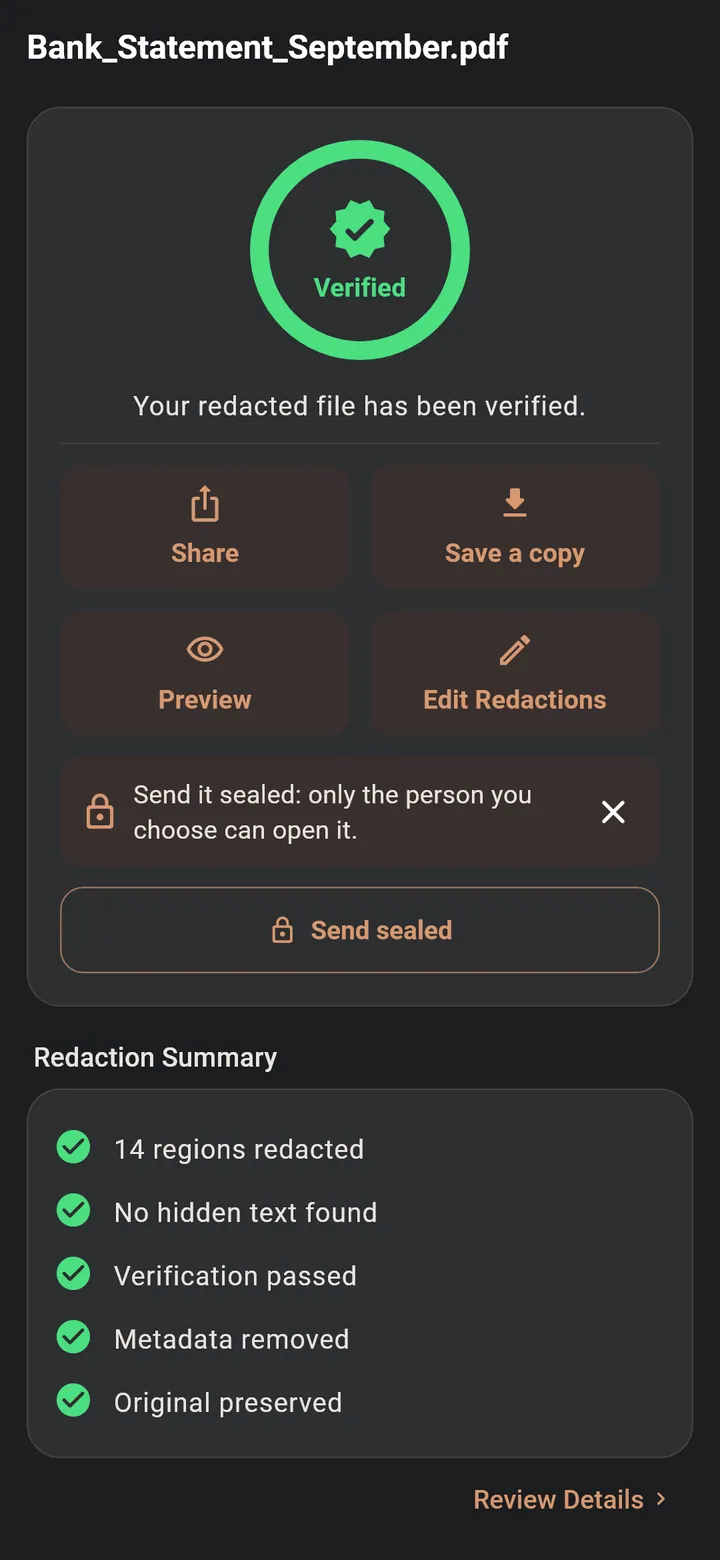
Save and check
EZRedactPro saves a new copy, reads it again and shows you the result. Your original stays the same.
- 5
Share
Share the clean copy with any app, or send it sealed so only one person can open the original.
- Automatic detection is a strong first pass. Always review the result before you share it.