Cover faces in a tap
The Faces tool finds the faces in a photo. Tap the ones you want to cover with a mask, sticker, blur or pixelation.


Your daily privacy assistant
Redact, protect and share your photos and documents. Built for everyday life: fast, simple, and processed on your device.
New featureSealed Secure Send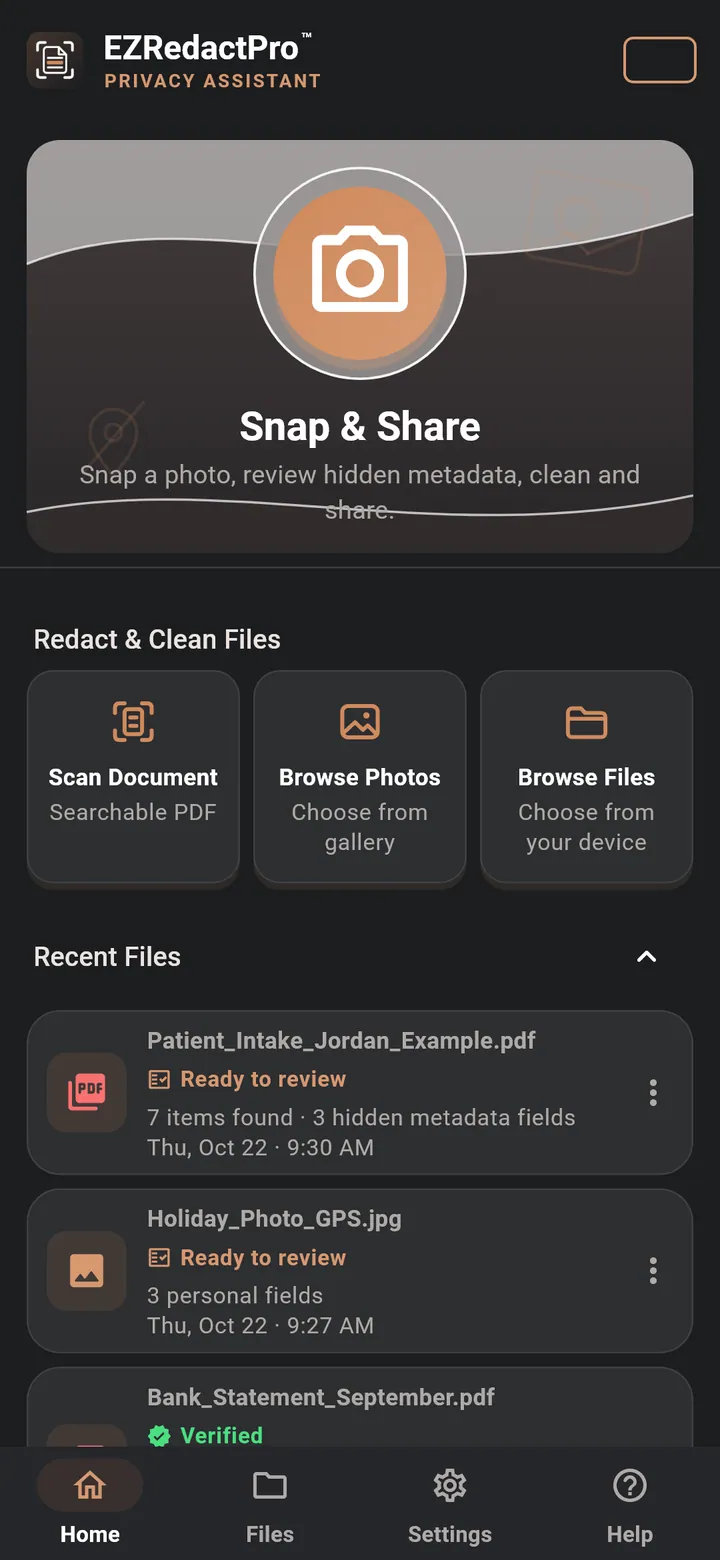
Try everything free for 7 days.
Then USD 6.99 a month in the United States. Cancel anytime in Google Play or the App Store.
Send a document or photo that only the person you choose can open, in EZRedactPro on their phone. No account, no server, nothing to set up.
Tap Add people and send a text. They see that you want to connect, and tap Accept. That's it.
Pick a file, tap Send sealed and choose the person. It goes in a text, like any attachment.
It opens in EZRedactPro on their phone, under your rules. Anyone else sees only the cover page.
Built on standard, openly reviewed encryption: AES-256, X25519 and Ed25519.
How Sealed Secure Send works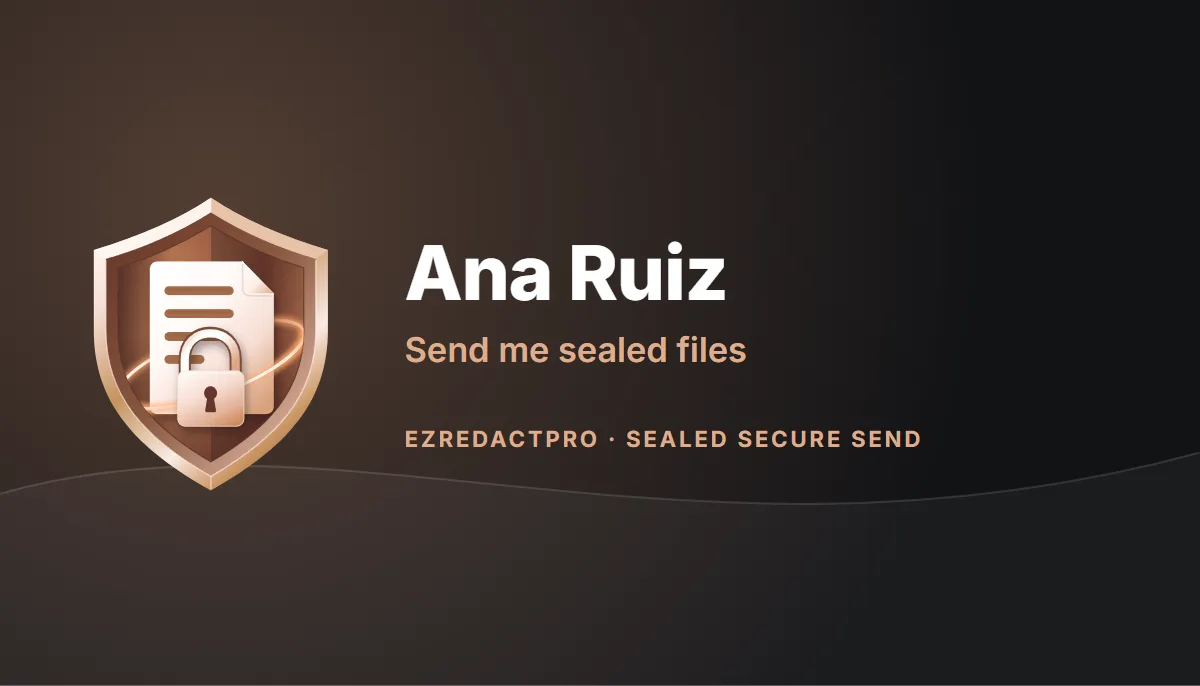
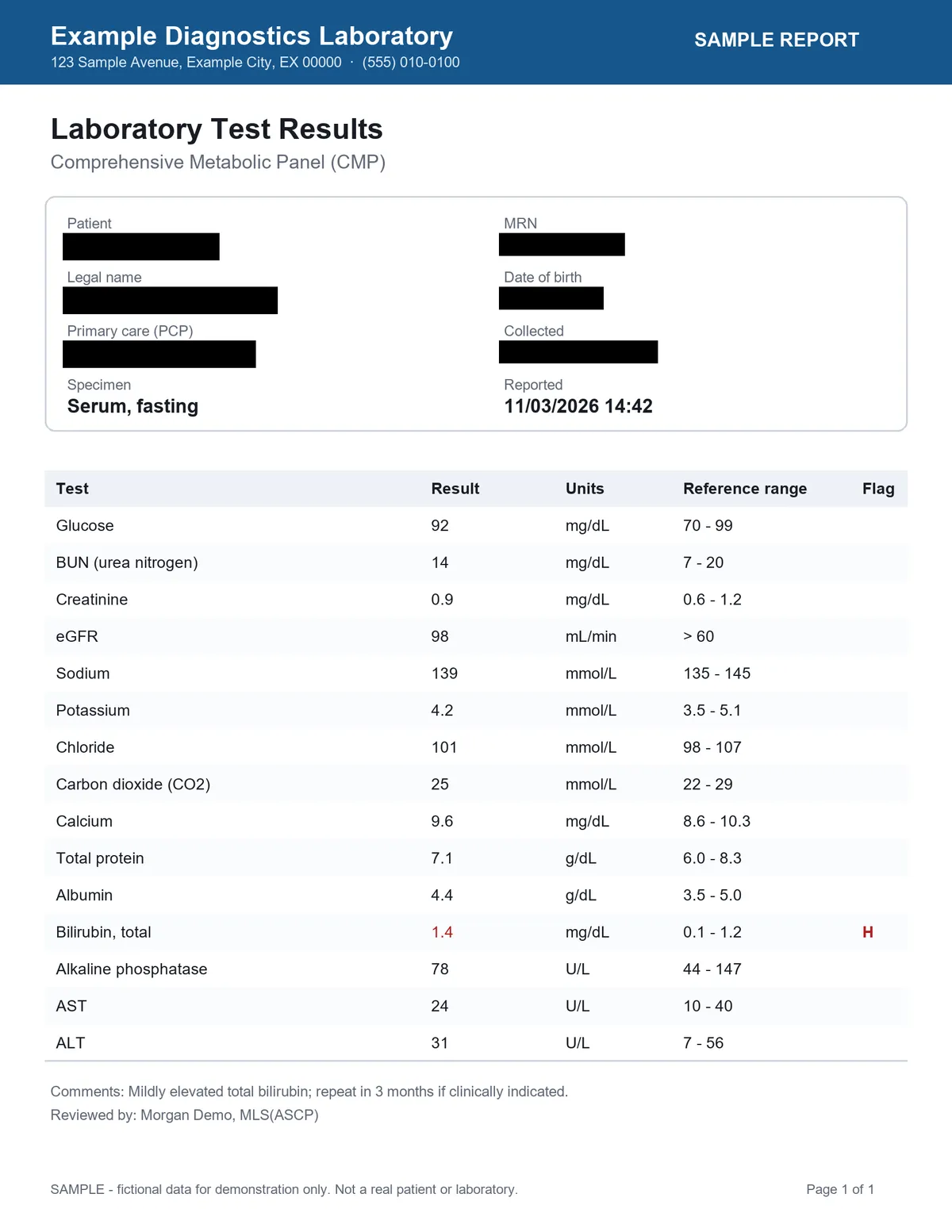
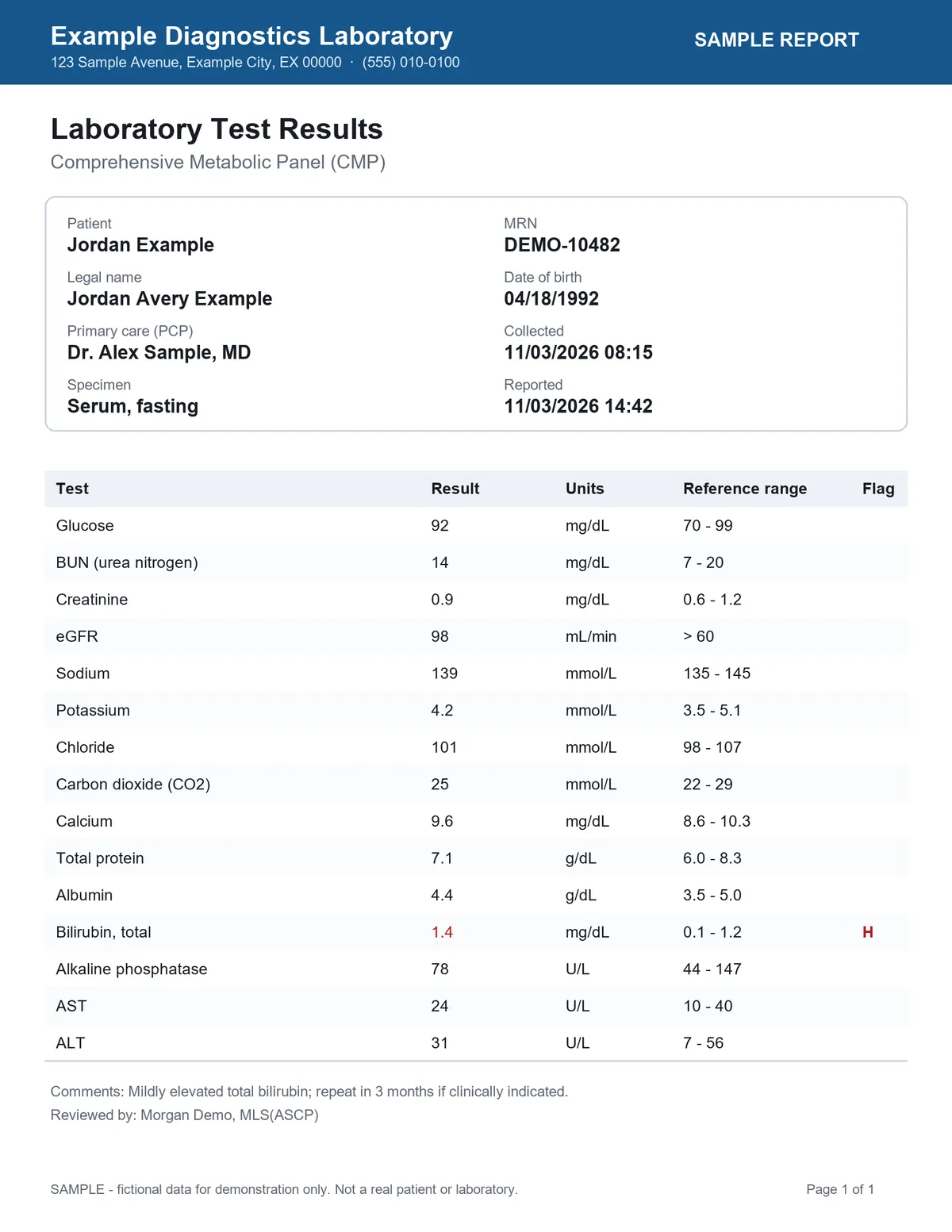
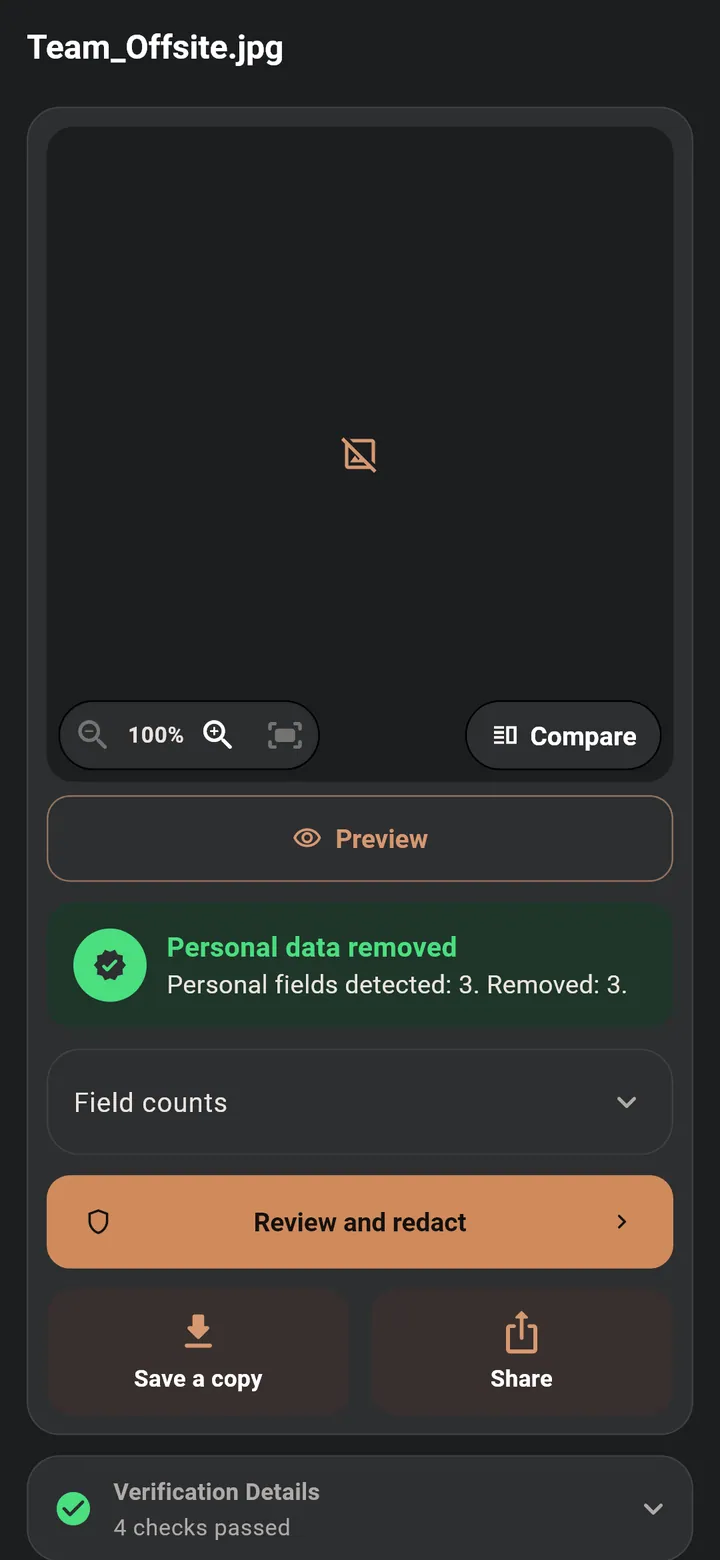
Real results from the app. Drag the handle to compare before and after, the same slider you use in the app’s View mode. Slide it up or down to keep it out of the way.
The Faces tool finds the faces in a photo. Tap the ones you want to cover with a mask, sticker, blur or pixelation.
Scan paper or open a PDF. Names, numbers and addresses are listed for you to review, then covered.
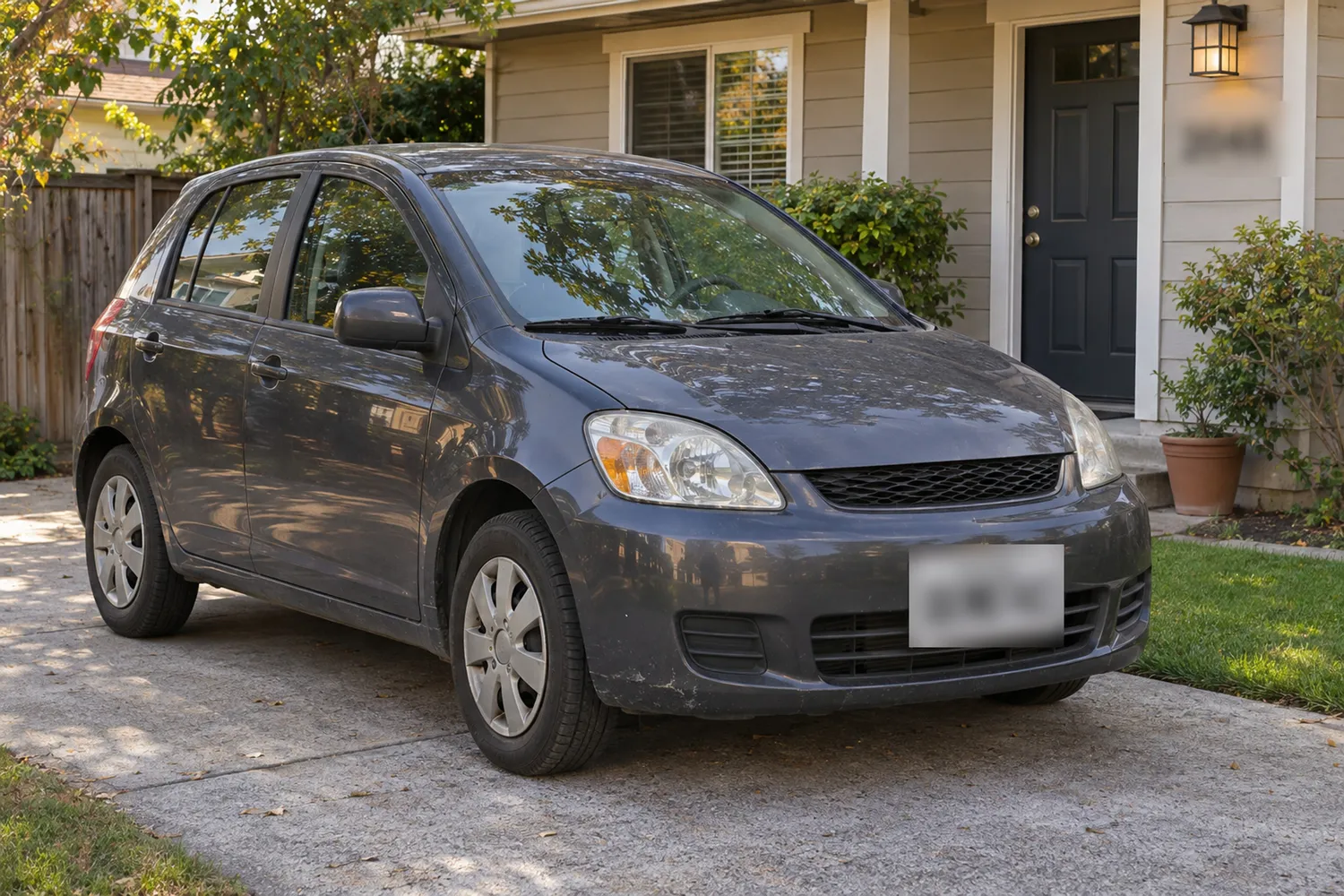
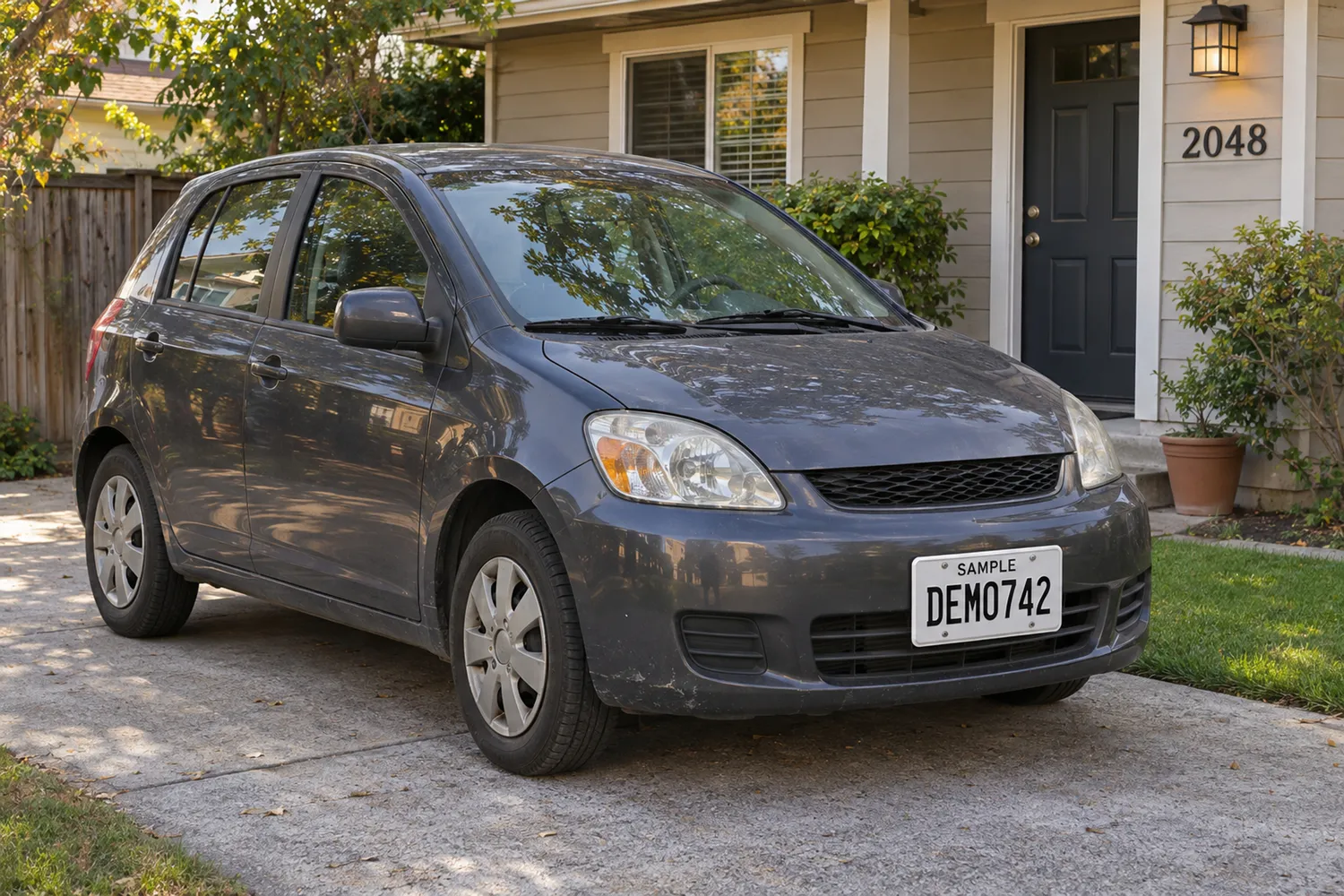
The app reads plate text to find possible plates. You choose what to cover.
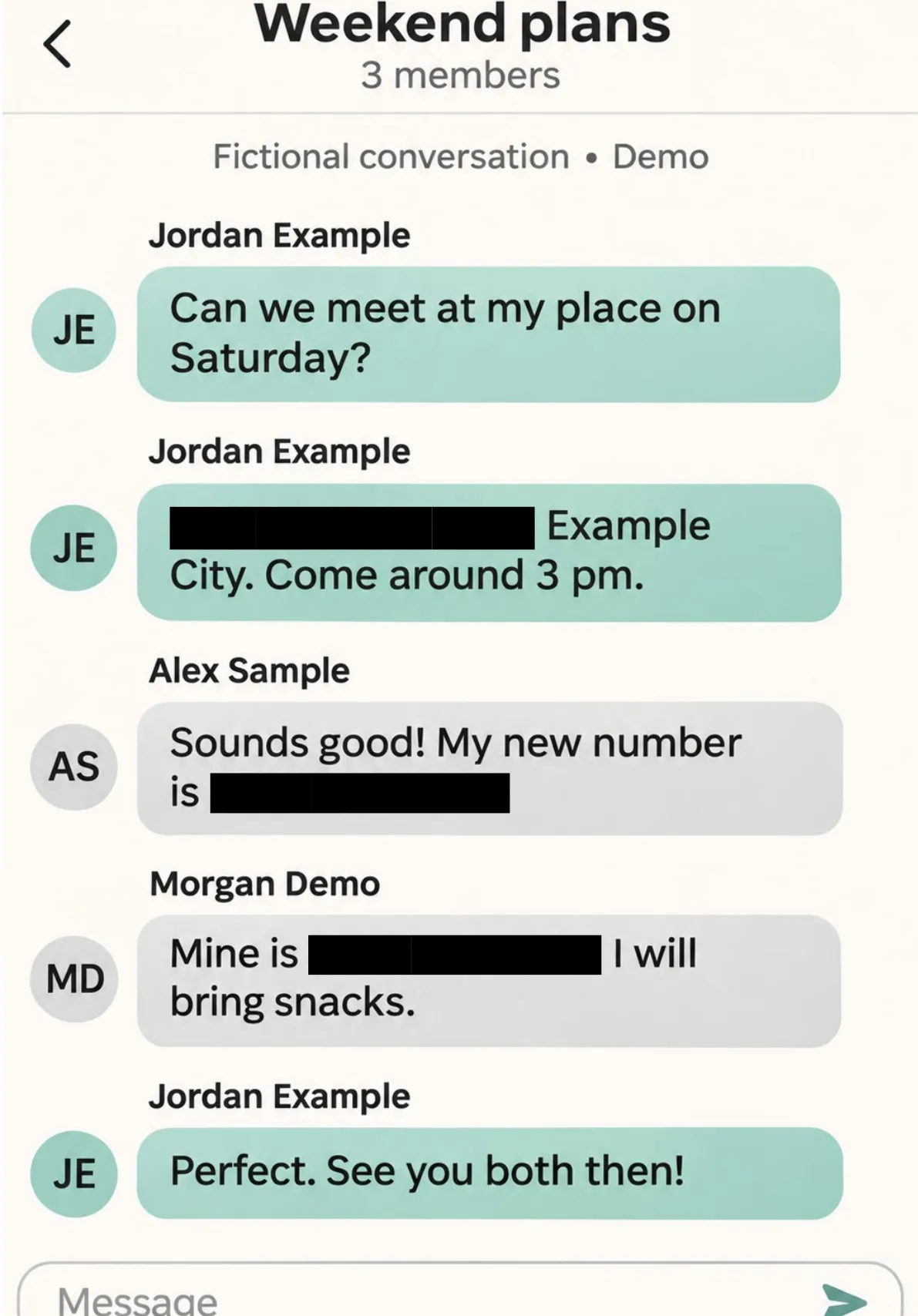
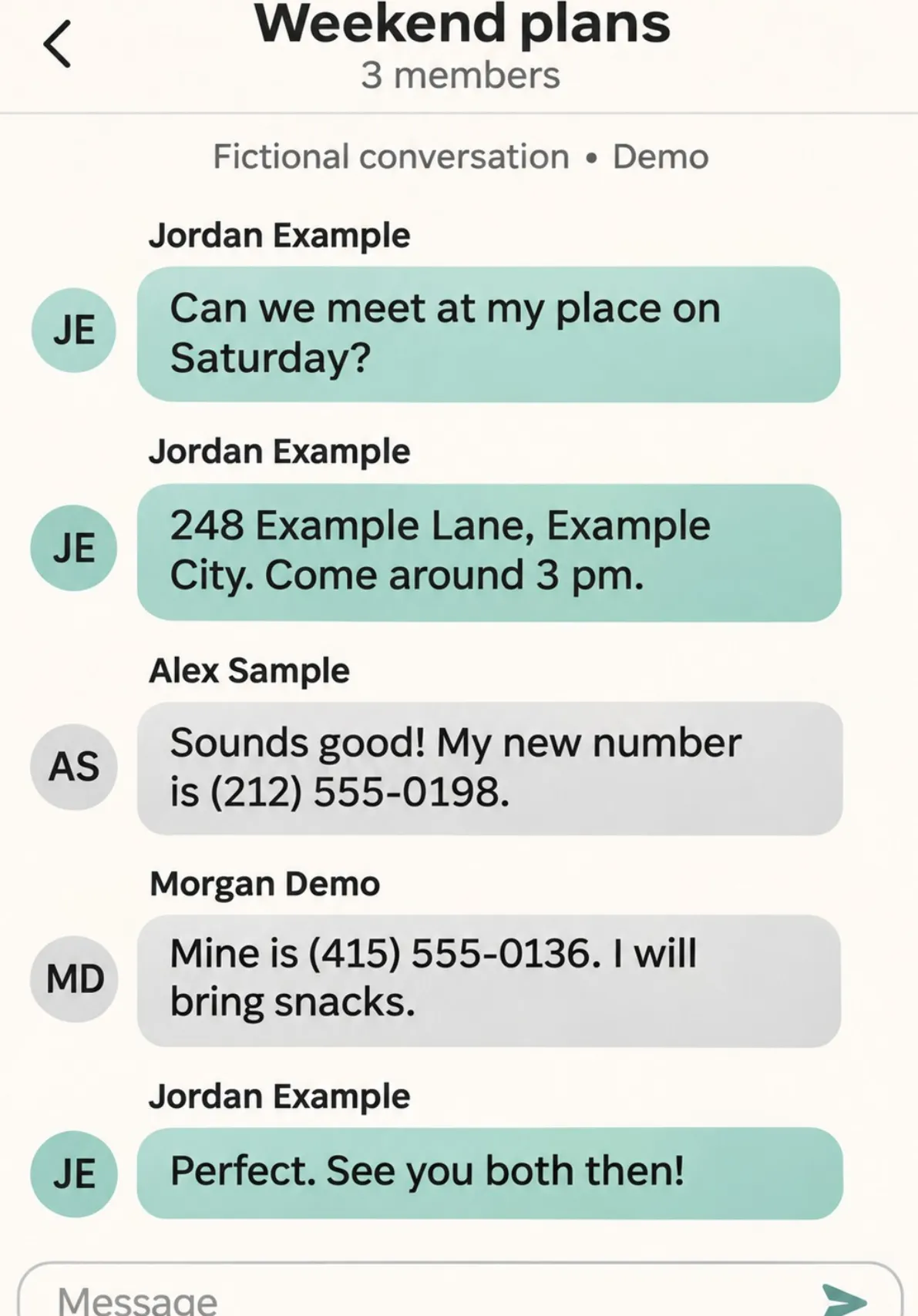
Cover phone numbers and addresses in a screenshot before it goes to a group chat.
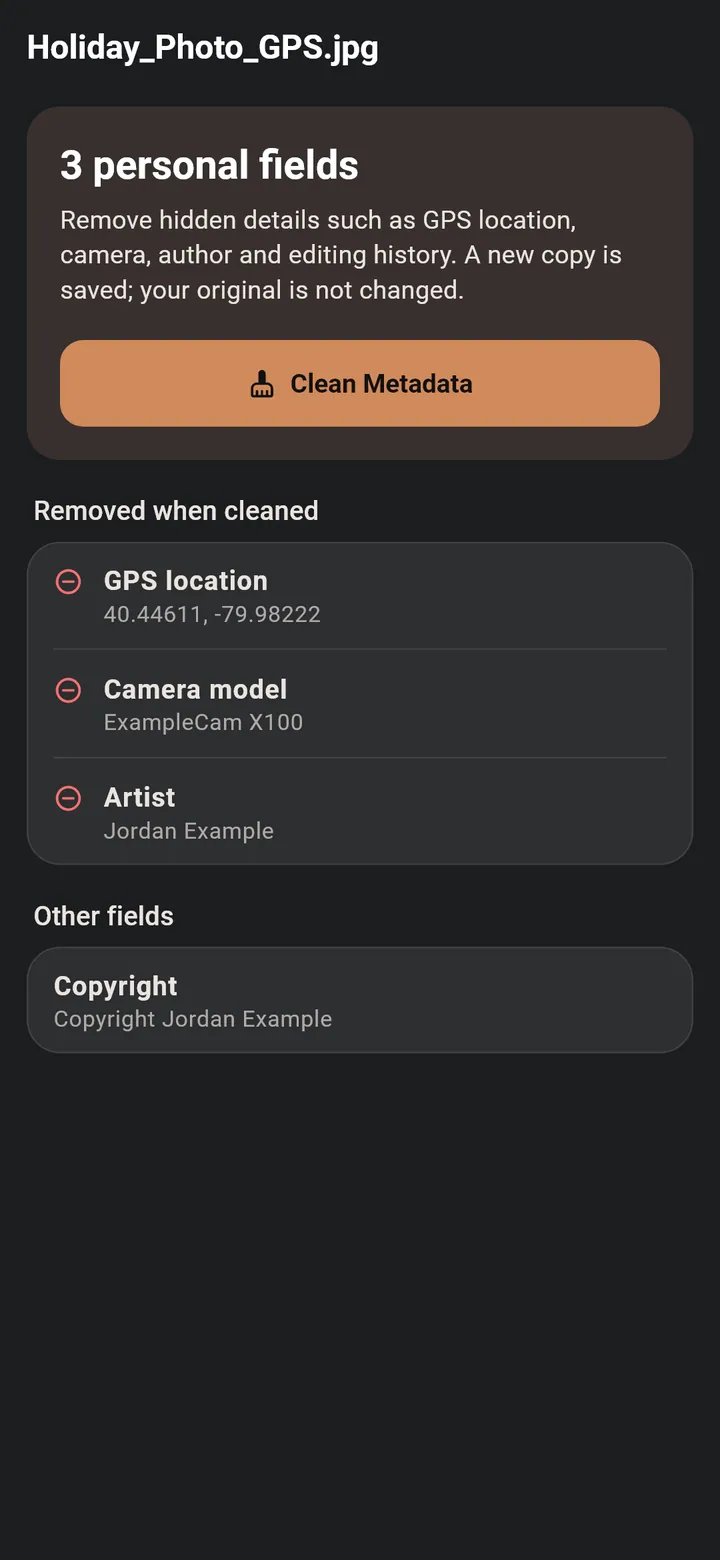
See a photo's hidden details, such as its GPS location, and save a clean copy.
Send a file only one person can open, with the rules you set. As easy as sending a text.
Plain words, no setup and no account. Everything below is a tap or two.
Share it by text or show its QR code, and people can add you in one tap.
Send a request by text. They tap Accept, and the app does the rest.
Everyone you've added, in one list with search. Each person's safety number is on their page.
List what you need, like a W-2 or an ID. They add each file and send it back sealed for you.
Open EZRedactPro with Face ID, your fingerprint or your phone's PIN. You choose.
Scan a QR code with your old phone to bring your connections and keys. No server in between.
An encrypted backup in your own iCloud Drive or Google Drive, locked with a recovery key only you have.
Scanned pages come out brighter and sharper, with shadows removed, in color, grayscale or black and white.
20 color themes, light and dark. Pick yours when you set up the app and change it anytime. Free for everyone, even without a subscription.
Your card and the sealed files you send use your colors too.
Light
Dark
Tap a color to see this website in it.
Your photos and files are processed on your phone or tablet.
EZRedactPro has no servers that receive your files. You decide where a copy goes.
There is nothing to sign up for, and no analytics or advertising in the app.
EZRedactPro always saves a new copy and checks it before you share.
Try every feature free for 7 days. Then USD 6.99 a month in the United States. Cancel anytime in Google Play or the App Store.